
Mirko
AI Tech Writer
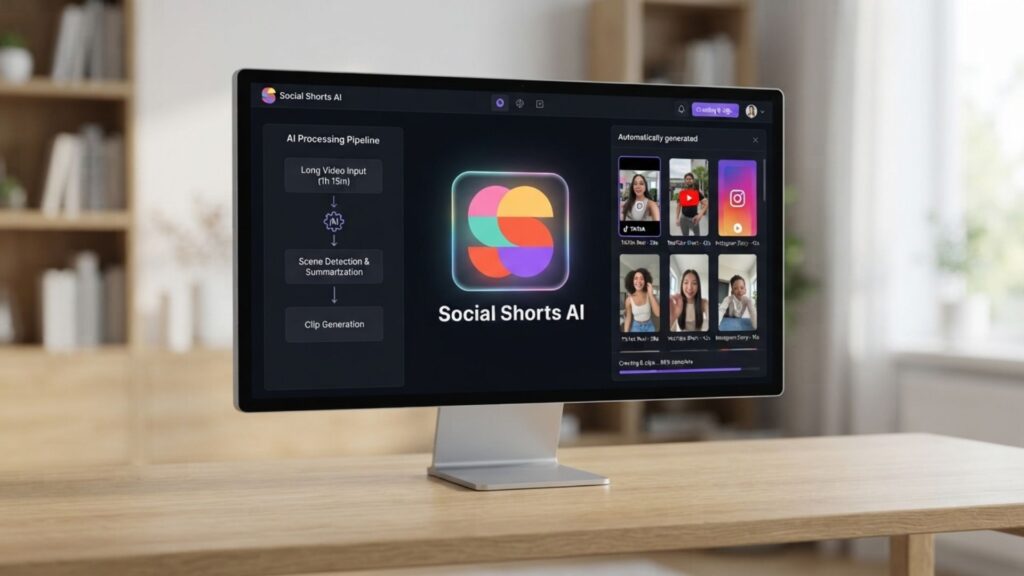
Turning one long video into a week's worth of clips used to mean hours with a timeline editor.
In this tutorial, we walk through the exact setup — upload, clip, caption, publish — so your next upload becomes dozens of shorts.
4.4/5 — Excellent per-video pricing and a genuinely useful feature set. The template library is thinner than Opus Clip's, which we cover honestly below.
Some links are affiliate links · you support us at no extra cost · Full disclosure
What Is Ssemble AI?
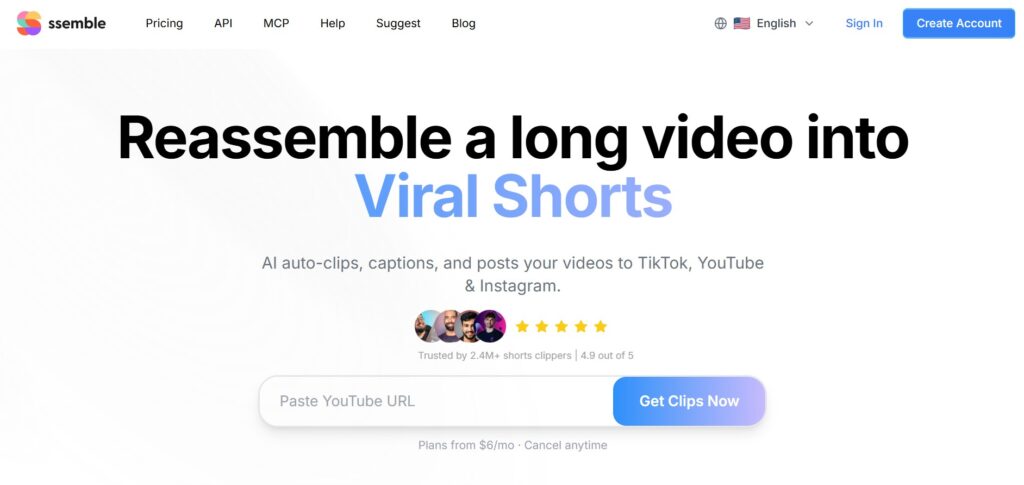
Ssemble AI is an AI-powered video clipping tool that turns long recordings into short, platform-ready clips for TikTok, YouTube Shorts, and Instagram Reels.
It automatically finds the best moments, adds captions, tracks faces, and exports vertical clips without a timeline.
We researched Ssemble AI because repurposing one long video into several shorts is still the biggest time sink for creators. Most tools handle only part of that job.
This one tries to handle the whole thing, from highlight detection through scheduling.
It sits closest to Opus Clip in positioning, but prices per video instead of per minute. That single difference changes the math for anyone clipping long content regularly.
Who Ssemble AI Is Built For
- YouTubers turning one upload into a week of Shorts
- Podcasters extracting soundbites from hour-long episodes
- Social media managers repurposing webinars and interviews
- Agencies running clipping services for multiple clients
Short-form video isn't a side format anymore — it's where most of the internet's attention already lives, and Pew Research tracks video platforms as the most-used category among US adults.
Most of that volume comes from creators clipping longer content, not filming shorts from scratch — exactly the gap this tool is built to close.
Our AI video generator guide for viral shorts covers the earlier step of this workflow: creating the source footage itself.
Worth knowing: YouTube Shorts alone now generates well over 200 billion daily views, and repurposed long-form content makes up a meaningful share of that volume.

Ssemble AI Pricing Explained
Ssemble AI pricing works differently from most competitors. Instead of billing by the minute, it charges one credit per source video, and each credit covers up to 20 minutes of footage.
That structure rewards longer content. A 45-minute podcast episode and a 5-minute vlog cost the identical single credit — a real advantage over per-minute pricing used elsewhere.
As of July 2026, four yearly-billed plans are available: Pro at $6/month (360 credits/year, one social account) and Expert at $12/month (840 credits/year, three accounts).
Business runs $24/month (1,800 credits/year, unlimited accounts), and Custom is $40/month (2,600 credits/year, unlimited accounts). Monthly billing costs more per plan.
Ssemble AI Pricing Snapshot (2026)
- Pro: $6/mo · 360 credits/year · 1 social account
- Expert: $12/mo · 840 credits/year · 3 social accounts
- Business: $24/mo · 1,800 credits/year · unlimited accounts
- Custom: $40/mo · 2,600 credits/year · unlimited accounts
Every plan includes API access, which most competitors reserve for enterprise tiers. Weighed against a freelance editor's hourly rate, that's months of clipping for roughly one billed hour.
For most solo creators, the Expert tier hits the sweet spot: enough credits for two to three long uploads a week without paying for capacity you won't touch.
Note: prices shown are yearly-billed rates confirmed directly on Ssemble's pricing page as of July 2026. Always double-check current pricing before subscribing, since plans do change.
How to Use Ssemble AI: Step-by-Step Tutorial
Here's exactly how to turn one video into dozens of clips with Ssemble AI, from upload to scheduled posts.
- Create your account and connect a source. Paste a YouTube URL or upload an MP4/MOV file directly. It also works with podcast recordings and livestream VODs.
- Let the AI find the highlights. It transcribes the audio, scores engagement potential, and typically returns 5 to 15 clip candidates in two to five minutes.
- Review and trim each clip. Adjust in and out points, fix caption wording, and reframe the crop if the face tracking missed a beat.
- Add B-roll, hooks, and CTAs. Layer in stock footage, a meme-style hook intro, and a follow prompt without leaving the browser.
- Pick your caption style and language. Word-level captions are supported in more than 100 languages, useful if part of your audience watches in Spanish or Hindi. Our guide on auto-captioning and translating videos with AI goes deeper on this step.
- Export or schedule across platforms. Publish straight to TikTok, YouTube Shorts, and Instagram Reels, or queue a week of posts from the built-in calendar.
Fastest Way to Get Your First Batch of Clips
- Start with your best-performing long video, not a new upload
- Let the AI generate clips before manually reordering the timeline
- Export 3-5 clips first to test hooks before scheduling a full week
Most first-time users go from upload to a published clip in under ten minutes. That speed is the entire promise behind this tutorial.
It holds up whether your source is a podcast, a webinar, or a raw timeline edit made faster with AI tools.

Top Ssemble AI Features for Turning One Video Into Dozens of Clips
A handful of features explain why Ssemble AI keeps showing up in creator workflows. Here's what actually moves the needle once you're clipping regularly.
Auto highlight detection scores your footage for viral potential and cuts clips automatically, so you're not scrubbing a 90-minute recording by hand.
Face tracking keeps the speaker centered when horizontal footage becomes vertical. This matters more than it sounds — a badly cropped face is one of the fastest ways to lose a viewer.
Multi-language dubbing is a newer addition. The tool can swap in a YouTube video's existing dubbed audio track, so one upload can output shorts in five languages without extra recording.
The API access included on every plan is worth a separate mention. Agencies running clipping services for clients can pipe uploads straight through the platform without touching the dashboard manually.
Good to know: if you're already running a broader AI content creation stack, this API can slot clipping into an existing automation pipeline instead of a separate manual task.
Ssemble AI vs Opus Clip
Ssemble AI and Opus Clip solve the same problem, but the pricing philosophy is genuinely different. That's worth understanding before you commit to either one.
Opus Clip bills by the minute of source footage, which punishes long-form creators. Ssemble AI bills per video, so a two-hour podcast and a ten-minute clip cost the same single credit.
| Category | Ssemble AI | Opus Clip | Winner |
|---|---|---|---|
| Starting price | $6/mo (yearly) | ~$15/mo (yearly) | Ssemble AI |
| Billing model | Per video (up to 20 min) | Per minute of footage | Ssemble |
| Template library | Smaller, growing | Larger, community-driven | Opus Clip |
| API access | Included on every plan | Enterprise plans only | Ssemble |
| Multi-language dubbing | Built-in for YouTube sources | Limited | Ssemble |
| Enterprise brand partnerships | Still building this out | More established | Opus Clip |
Where Opus Clip Still Wins
- Larger community template library for viral formats
- More mature brand partnerships for enterprise teams
If budget and per-video billing matter more than a large template library, it's the more practical pick. See Ssemble's own side-by-side Opus Clip comparison for their internal benchmarks.
Tips to Get More Views From Your Clips
Running the AI is the easy part. Getting views out of the clips it generates takes a bit more strategy.
Post consistently, not in bursts. Accounts that go quiet for two to four weeks see reduced reach even on strong content.
Schedule exports across the week instead of dumping them all at once, the same principle behind our short-form tool comparisons.
Re-clip your best performer. If one clip crosses six figures in views, pull two or three more angles from the same source with different hooks.
Quick Wins Checklist
- Test 2-3 hook variations per source video
- Keep clips under 60 seconds for the strongest retention
- Reuse your top caption style across a whole batch
- Track which platform each clip performs best on
Retention reality: most short-form video keeps only about half its viewers past 90 seconds, so a tight first three seconds decides whether a clip survives the scroll.
Frequently Asked Questions — Ssemble AI Tutorial
What is Ssemble AI used for?
+Ssemble AI is used to turn one long video into multiple short, platform-ready clips for TikTok, YouTube Shorts, and Instagram Reels.
It automatically finds engaging moments, adds captions, tracks faces, and can schedule the finished clips across social platforms — no manual timeline editing required.
How much does Ssemble AI cost?
+Ssemble AI starts at $6/month on yearly billing for the Pro plan, with Expert at $12, Business at $24, and Custom at $40. Pricing is per video, not per minute.
Always check current plans before subscribing, since pricing can shift over time.
Is there a free plan?
+It offers a limited free tier for testing the clipping workflow on a small number of videos. Free exports typically include a watermark and lower resolution.
Most creators move to a paid plan within the first week or two of regular use.
How many clips can one video make?
+A single long video typically generates between 5 and 15 short clips, depending on length and how many highlight moments the AI detects.
Longer podcasts and interviews tend to produce more usable clips than short, single-topic videos.
Does it work with YouTube videos directly?
+Yes. You can paste a YouTube URL directly, no downloading or re-uploading needed.
It also supports MP4/MOV uploads, podcast recordings, and Twitch or livestream VODs for repurposing stream highlights.
Is Ssemble AI better than Opus Clip?
+It generally costs less since it bills per video instead of per minute, and it includes API access on every plan.
Opus Clip still has a larger community template library. See our full AI video editor comparison for more context.
Does it support multiple languages?
+Yes — word-level captions are generated in more than 100 languages, and it can pull existing dubbed audio tracks from YouTube videos.
One upload can produce shorts in English, Spanish, French, Hindi, and Portuguese without extra recording.
Can it schedule posts automatically?
+Yes — a built-in calendar schedules and auto-posts finished clips to TikTok, YouTube Shorts, and Instagram Reels at set times.
This lets you generate a week's worth of clips in one sitting and let the platform handle publishing.
Do I need editing experience to use it?
+No — it's built for creators with zero editing background. Upload or paste a link, and the AI handles clipping, captioning, and cropping.
For a broader look at beginner-friendly options, see our Descript vs CapCut Pro comparison.
Is Ssemble AI worth it for podcasters?
+Yes, particularly because per-video pricing rewards long recordings — a 60-90 minute episode costs the same single credit as a short clip.
You can start a free trial here to test it on your own back catalog.
🎬 Keep Building Your Clipping Workflow
You've got the full tutorial down. Here's where to go next if short-form video repurposing is becoming part of your regular routine: